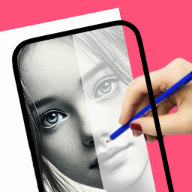
Start with step-by-step drawing lessons
Built for people who want a simple path from idea to real drawing practice on iPhone or iPad.
how to draw
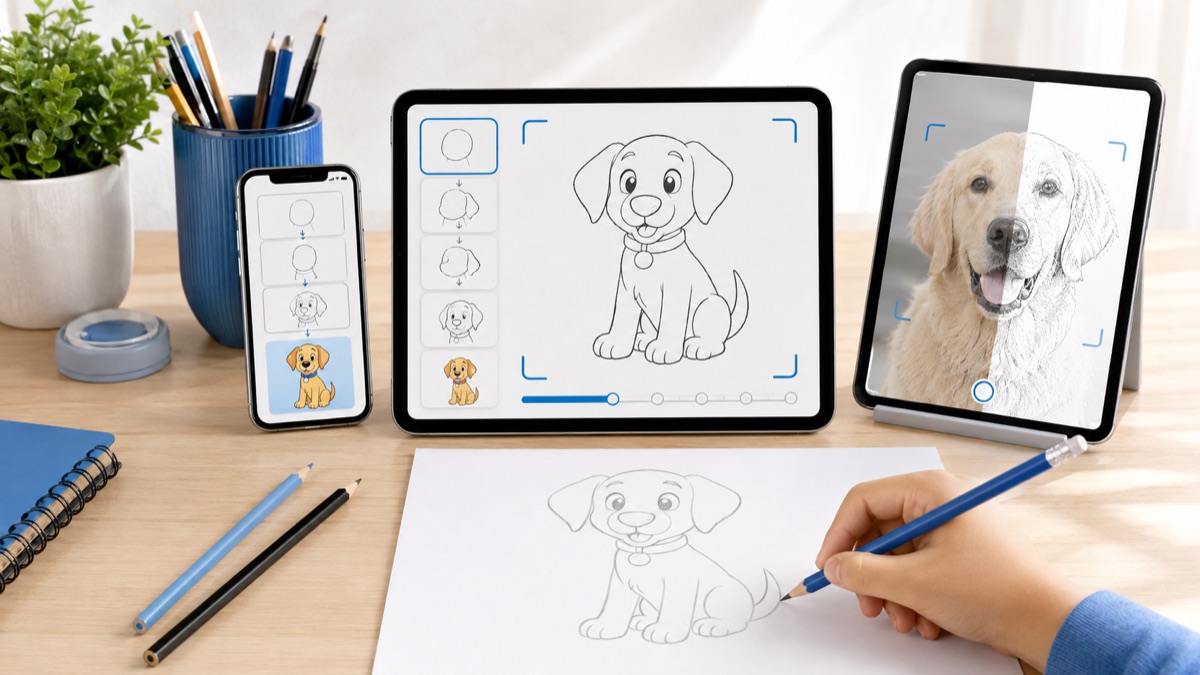
Start with simple guided drawing lessons, follow each step at your own pace, and use references that make paper practice feel easier from the first session.
Real drawing videos
See short @howtodrawapp demos before you install: AR tracing, drawing projector setup, photo-to-sketch practice, anime sketches, and real paper drawing workflows.
Built for people who want a simple path from idea to real drawing practice on iPhone or iPad.
Built for people who want a simple path from idea to real drawing practice on iPhone or iPad.
Built for people who want a simple path from idea to real drawing practice on iPhone or iPad.
Drawing workflow
People who want to draw often stop at a blank page. The app gives them a simple place to begin with guided steps, references, and tools that support real paper practice.
Beginners searching for their first drawing lesson.
Users comparing drawing apps before installing.
People who want paper drawing help, not only a digital canvas.
Creators looking for repeatable daily practice.
Great for watching, but harder to use while drawing because the reference, timing, and practice loop are separate.
Useful once, but not flexible for personal photos or varied subjects.
Combines lessons, sketch references, photo-to-sketch, and AR tracing in one App Store path.
New users who want to learn how to draw
iPhone and iPad users
People who need guided practice before freehand drawing
Users looking for a desktop illustration suite
Advanced artists needing critique or professional brush engines
Start with one simple subject.
Trace only the structure, then redraw freehand.
Practice ten minutes daily instead of jumping between references.
Open a lesson, follow the structure, then repeat the sketch on paper until the shape feels natural. The page gives new users a direct path into that workflow.
Move from simple shapes into anime, animals, flowers, cars, cute drawings, and beginner lessons as confidence grows.
The workflow focuses on one drawing goal and keeps the App Store action clear on desktop and mobile.
Open the app, pick one reference, trace the structure, then repeat the same subject without tracing. That creates learning, not just copying.
Start with simple shapes, repeat one subject several times, and use guided references when proportions feel difficult.
Yes. The app is positioned around beginner-friendly lessons, references, and repeatable practice.
Yes. AR tracing and camera guidance help users place the first outline on paper.
Yes. Photo-to-sketch workflows help turn personal photos into drawing references.
Use the App Store button to open the official iPhone and iPad download.
Start with the guide that matches this search, then try the kids drawing article for simple ideas parents and young beginners can use today.